2026-07-19
|- - - installing windows xp on a tiny laptop - - -|
The Asus EEE PC I'm using to write this blog originally came with Windows 7 installed. I switched it for Debian 12, but it was still missing a way to play old games without going to 100% of CPU usage. Even with Wine, the performance on games like Plants vs Zombies still wasn't close to what I knew this laptop could do.
First off my SD card reader died on me while trying to make a Windows XP installer, and since I don't really have USB drives I ended up using a cheaper one. I also created a GParted live SD card to manage the partitions of the SSD. I was surprised to see that my Linux installation only used about 20GB of the available 120GB. So I destined 30GB for Windows XP and started the installation.
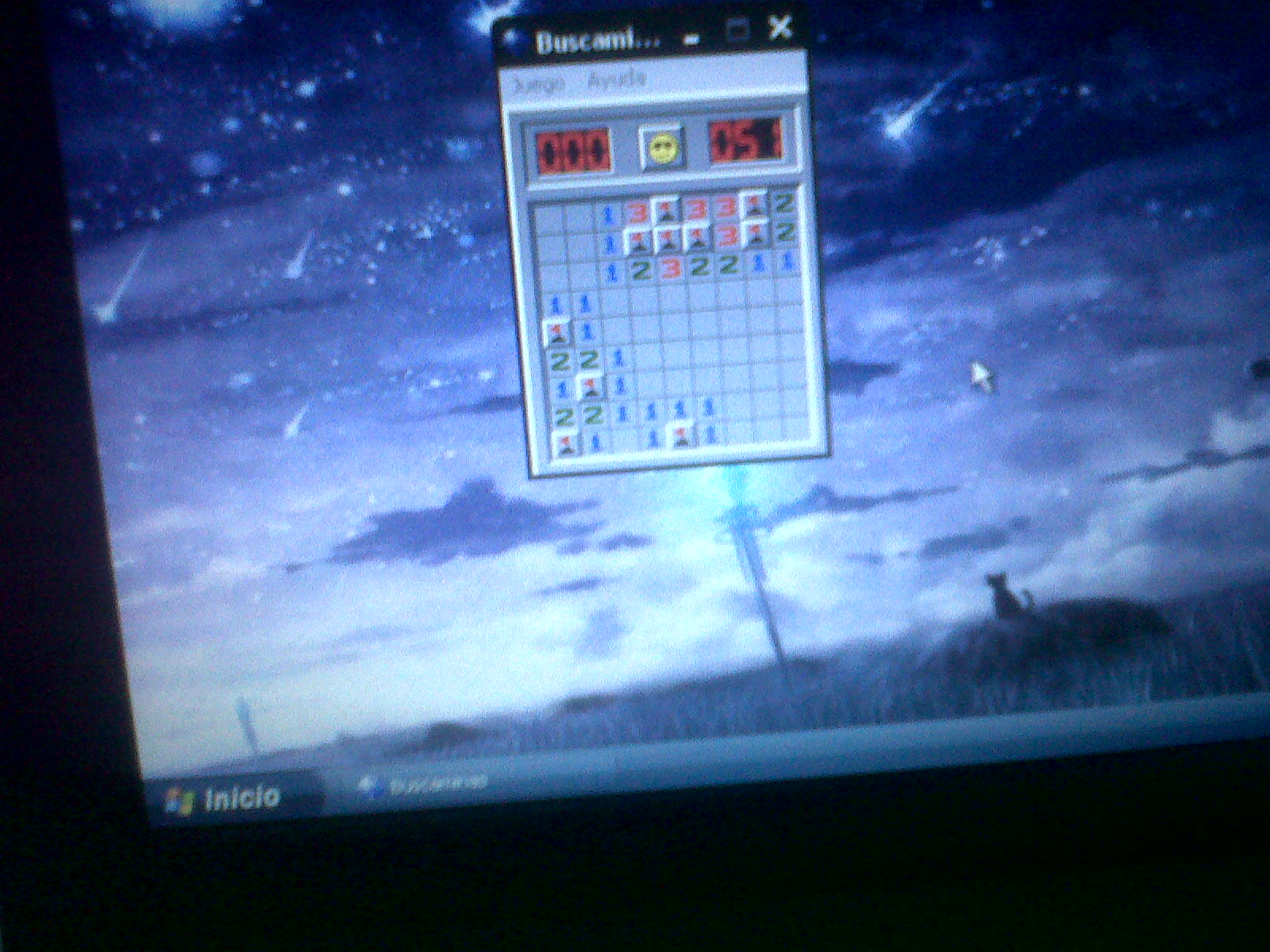
There weren't any issues with the installation process, but that isn't a surprise given the era this laptop is from. I only had to tweek the region from "Spain" to "Mexico", but that was really it. Once installed however, I had to install the drivers for everything. Internet Explorer no longer works with almost any website, and I didn't even have the LAN driver installed. So I just rebooted back to Linux, downloaded the drivers and the Pal browser, and moved the files into the Windows XP partition. Once back on XP I just installed them, and now this laptop has Wifi and internet access.
I know connecting a computer with Windows XP to the internet may not be the best idea, but I just like seeing notebook laptops revive and be useful again. That's why I like lightweight Linux configurations, but for old pc games nothing beats Windows XP.
Once I upgrade the RAM to 2GB I'll try out Sony Vegas on this thing, maybe I could edit some videos from here.